
Chapter 5 · 5.11
When does a change take effect? Waiting time and TTL
A change in DNS Administration reaches our nameservers within a few minutes. Yet not everyone sees it straight away. That's because of the TTL (Time To Live).
What is the TTL?
Computers and internet providers remember DNS answers for a while, so they don't have to ask again every time. How long is set in the TTL of the record, in seconds:
| TTL | Is |
|---|---|
| 300 | 5 minutes |
| 3600 | 1 hour (the default at WebOké) |
| 14400 | 4 hours (the DMARC record) |
| 86400 | 1 day |
If you change a record with a TTL of 3600, it can take up to an hour before everyone sees the new value. If an internet provider has just looked up the record, it will keep using the old answer for up to an hour.
How long does it take, then?
- A new record (one that didn't exist before): usually within a few minutes. Unless someone already looked up the name before it existed. In that case, that computer remembers that the name doesn't exist, for up to a few hours.
- A changed record: until the TTL of the old record has passed, usually within an hour.
- Other nameservers (for example, when moving a domain): up to 24 hours, sometimes up to 48 hours.
Switching faster: lower the TTL in advance
Are you moving your website or email and do you want the switch to be visible everywhere quickly? Lower the TTL of the records you're going to change to 300, a day in advance. After the switch, set it back to 3600.
Override TTL Value
With OVERRIDE TTL in DNS Administration, you set a single TTL for all records of the domain at once. Default means: each record keeps its own TTL.
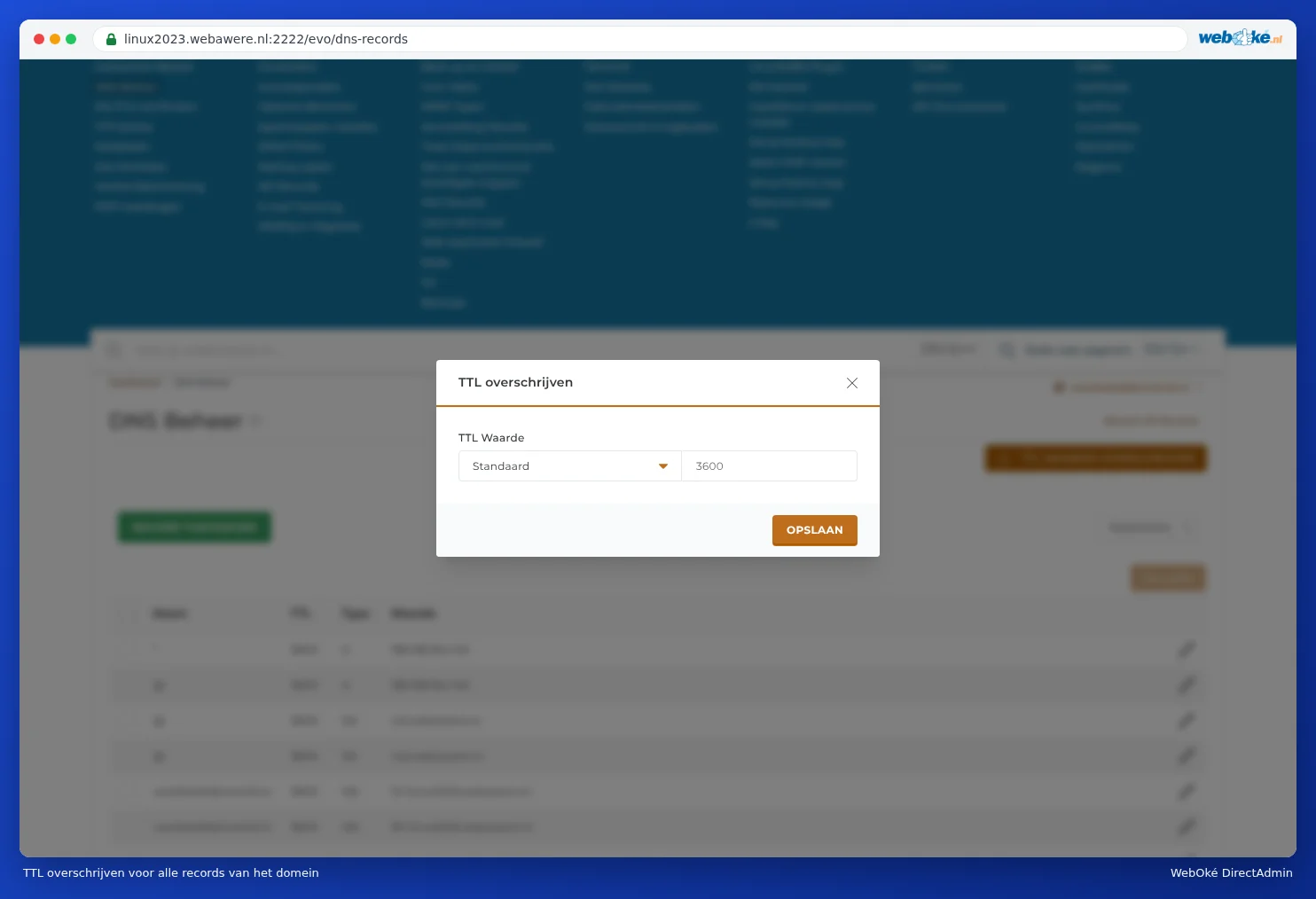
You can change the TTL of a single record using the pencil icon next to that record.
Checking it yourself
- Open your website in a private window, or on your phone using 4G or 5G instead of Wi-Fi.
- Use an online DNS checker, such as dnschecker.org. This shows you what the DNS answers per country.
- In My WebOké, you'll find the Domain / Email health block next to a domain under My Domains. This checks, among other things, the DNS and email records of your domain.
Tip: Can you still see the old website while others already see the new one? Clear your browser's cache, or restart your computer. Your computer remembers DNS answers too.