Chapter 1 · 1.4
Getting help: AI assistant, knowledge base, explainer videos, support and WhatsApp
Can't find what you're looking for? There are several ways to get help. The quickest is usually the AI assistant or the knowledge base. If that doesn't work, our support team will help you further by ticket or via WhatsApp.
You'll find all the help on the website under Support.

The AI assistant
At the bottom right of every page, you'll find the Need help? button (1). This opens the AI assistant, your personal hosting assistant. It knows the entire knowledge base and answers questions about hosting, domains and E-Mail, even in the evening and at weekends.

- Don't have an account yet? Click No. The assistant will then help you with general questions, for example which package suits you or how to move your website to WebOké.
- Already a customer? Click Yes and log in. The assistant will then look into your account and also answer questions about your own products, domains and invoices.
The assistant can also arrange things for you, such as changing a DNS record. It does nothing without your approval: you'll always get a proposal first, which you approve yourself. The AI assistant uses European AI from Mistral, and your data stays within the EU. You can read everything about the assistant in The AI assistant: what can it do for you?.
The knowledge base
The Knowledge base contains hundreds of articles with answers to frequently asked questions, from E-Mail settings to DNS. Type your question in the Search the knowledge base field, or browse through the topics. You can also ask your question directly to the AI assistant here.

Guides and explainer videos
Under Guides, you'll find detailed guides with screenshots, like this one. There are also separate guides for Euro-Office, Nextcloud and DirectAdmin.
Prefer watching to reading? Under Explainer videos, you'll find short videos of a few minutes each, without sound and with explanations in speech bubbles. Search for a video using the search field or watch them all on YouTube.

Contacting support
If you're a customer, you submit a support ticket from My WebOké. Go to Support centre and choose Submit a ticket (2). There you'll also see the knowledge base (1), the AI assistant (3) and your previous tickets. We usually reply within a few hours on working days. You can read how to submit a ticket in Submitting a ticket.

Don't have an account yet, or can't you log in? Then choose Contact us from the Support menu. Fill in your name, email address, subject and message, and click Submit a ticket. We'll reply by email. See Contact without an account (guest ticket).

You can also message us on +31 97010255083. Click Message us on WhatsApp in the Support menu or at the bottom of the site, or click Open WhatsApp (4) in the support centre. Your message automatically becomes a ticket, so you'll also see the reply in My WebOké.
Is there an outage?
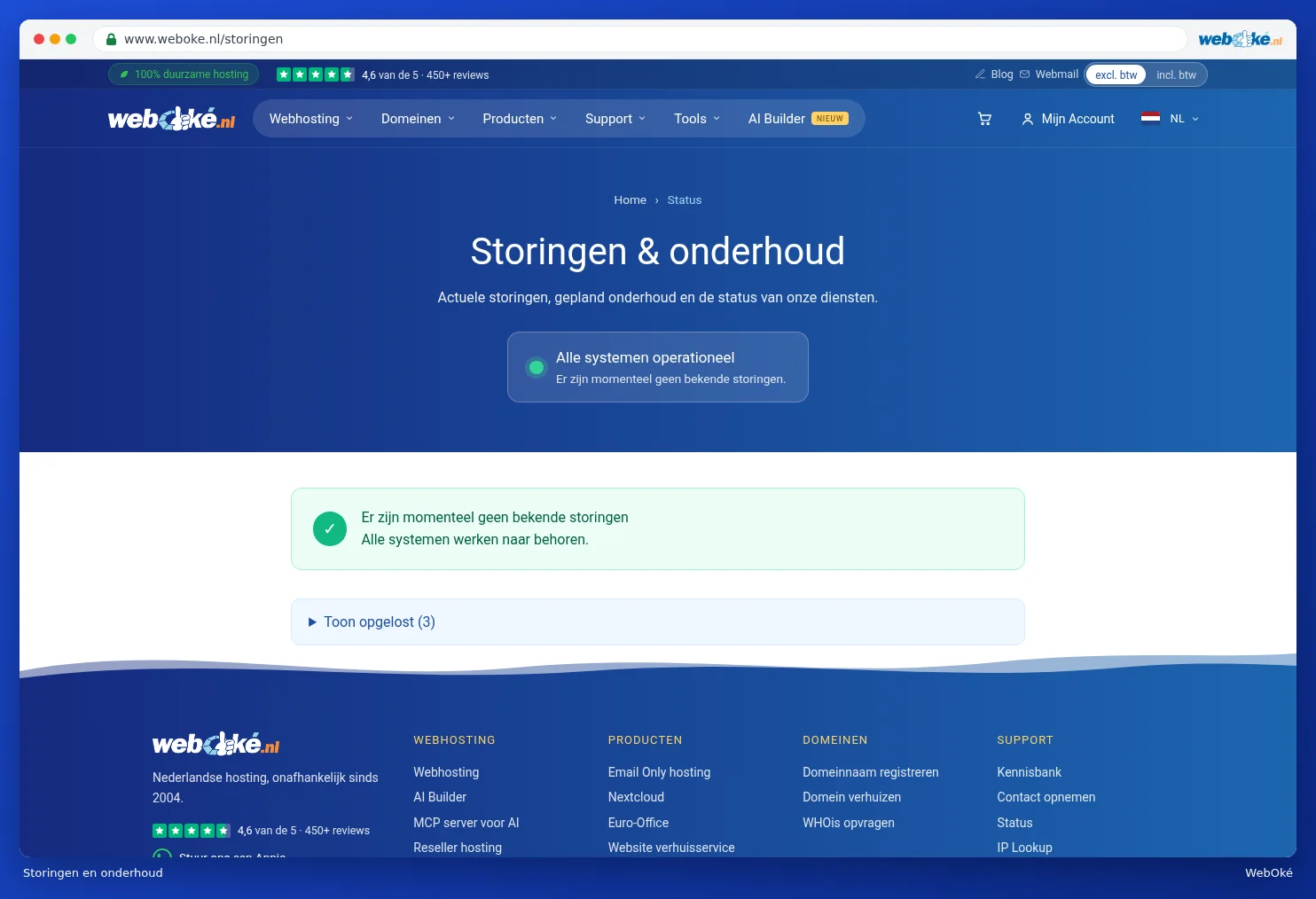
If something isn't working, first check Status in the Support menu. On the Network status & maintenance page, you'll see whether there's an outage and whether any maintenance is scheduled. If you see a green dot with All systems operational, everything is working properly on our end. See also Incidents and maintenance.